



Precision Pencil — iPad Compatibility
Get help choosing which Precision Pencil is right for you with a full comprehensive list of iPad support.
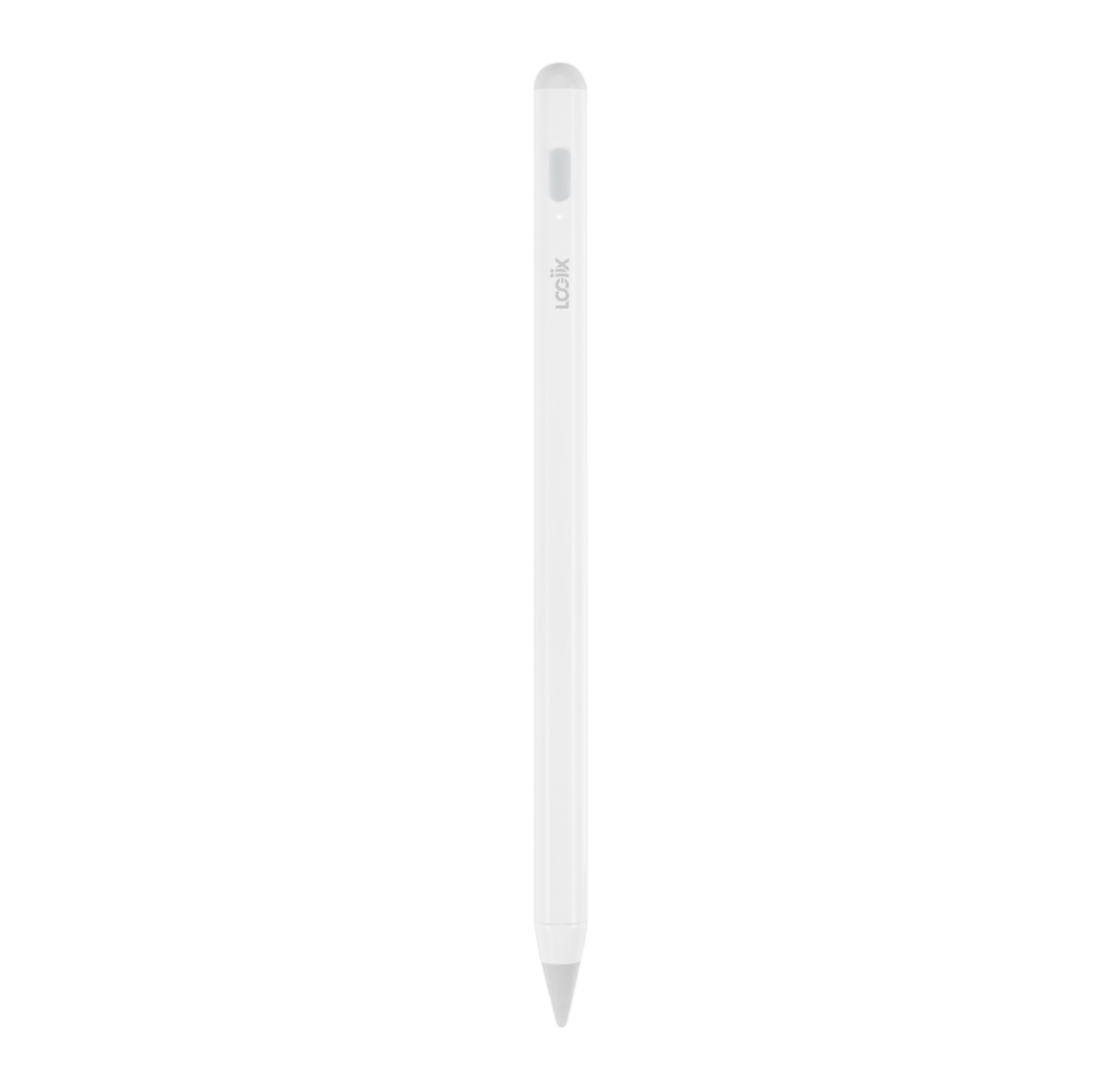
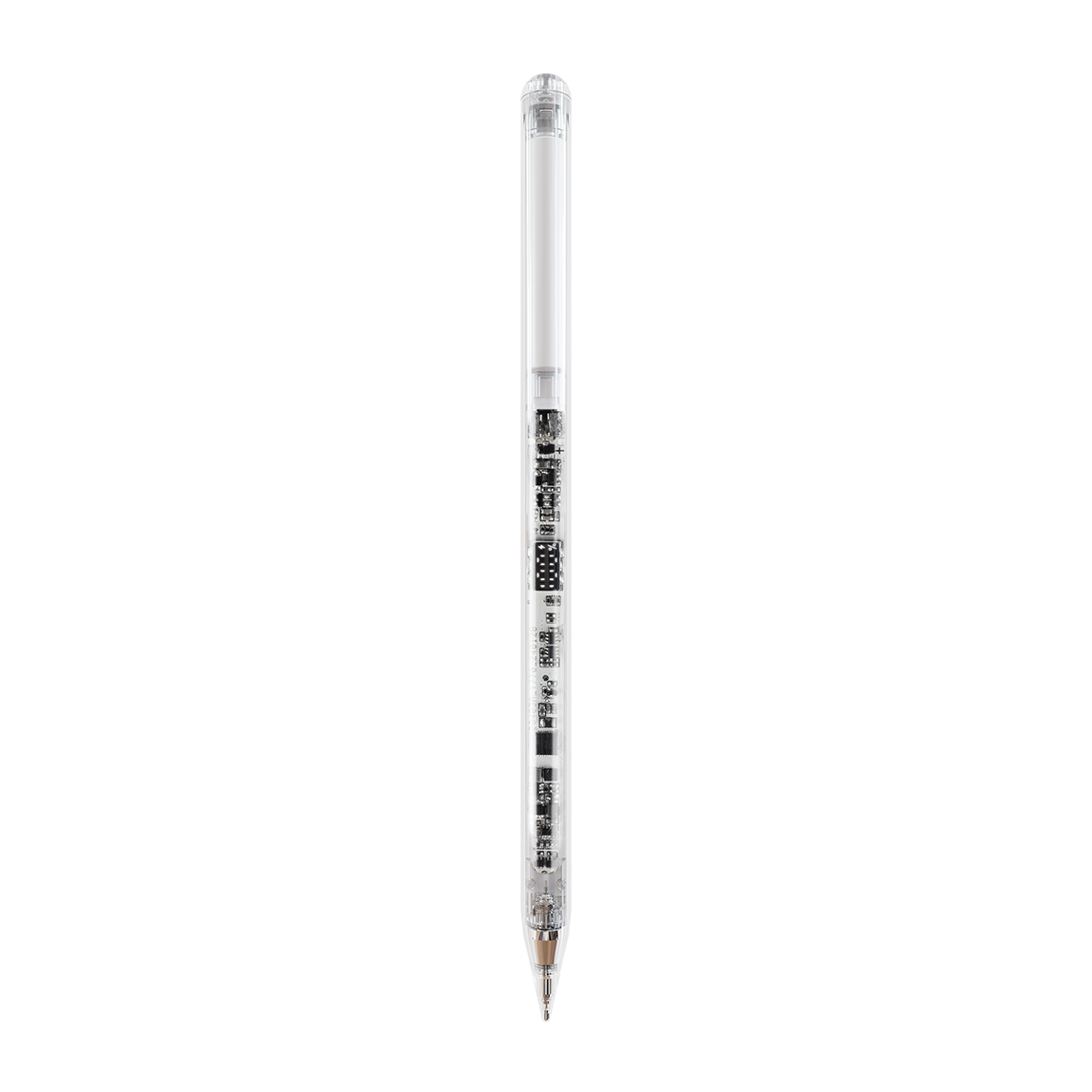
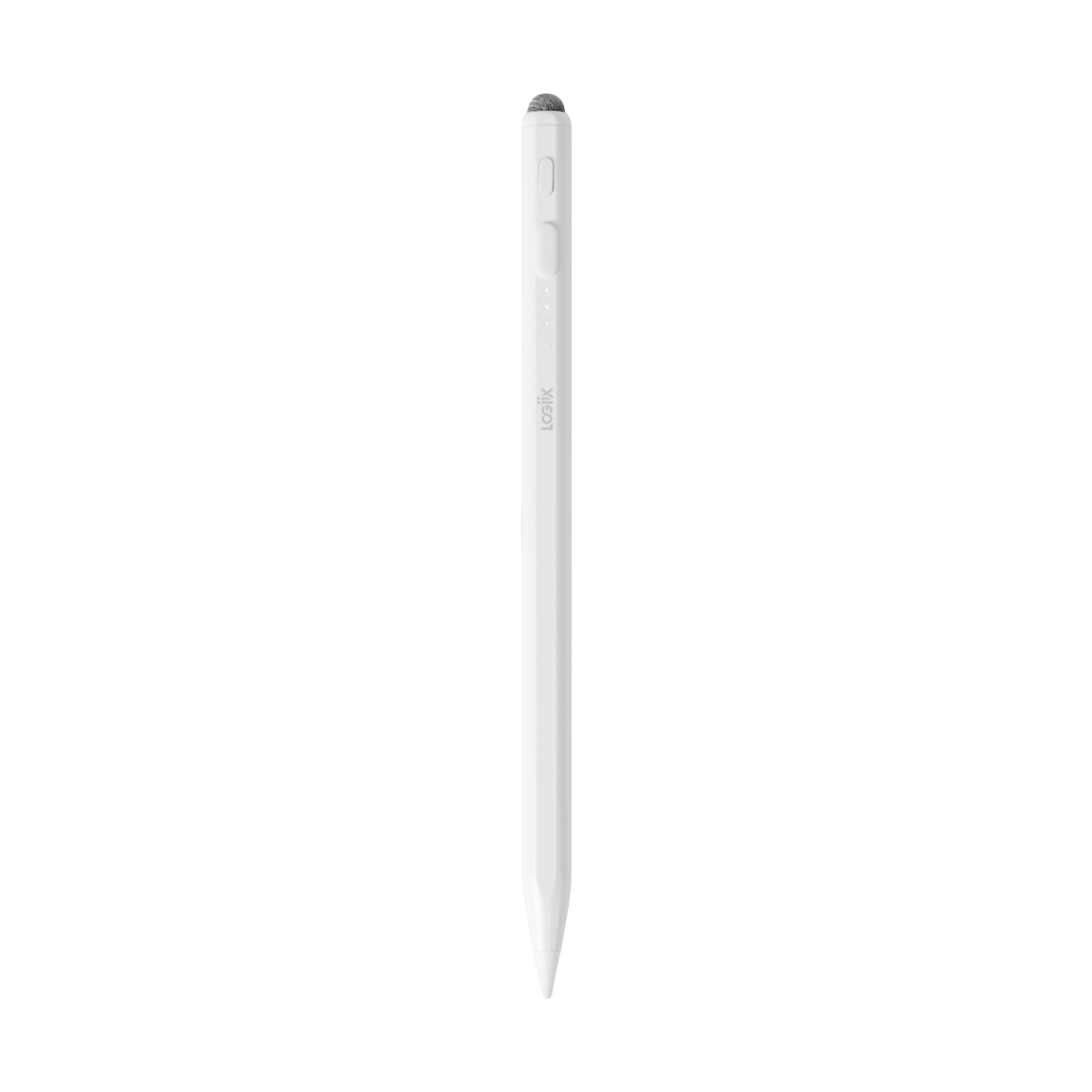
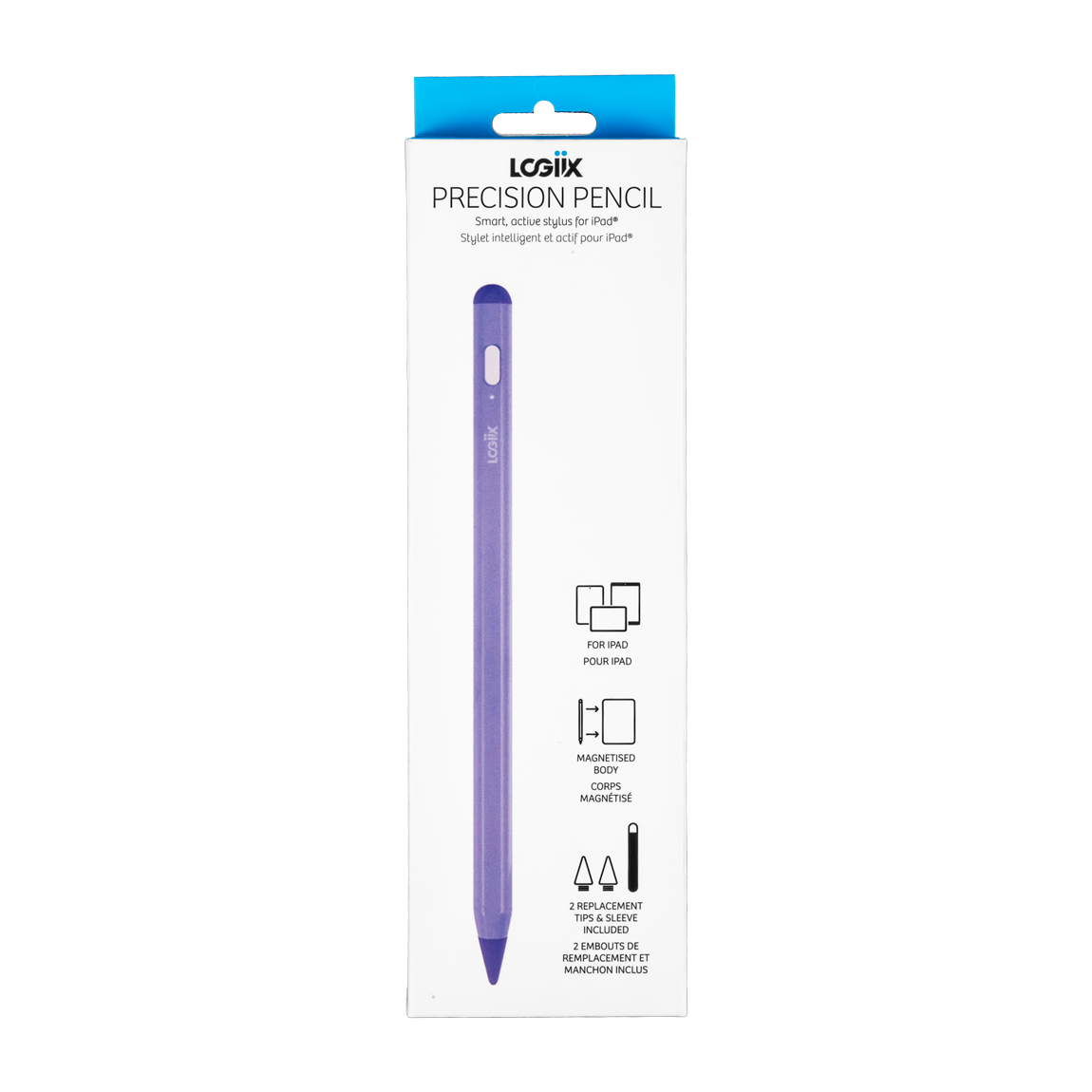
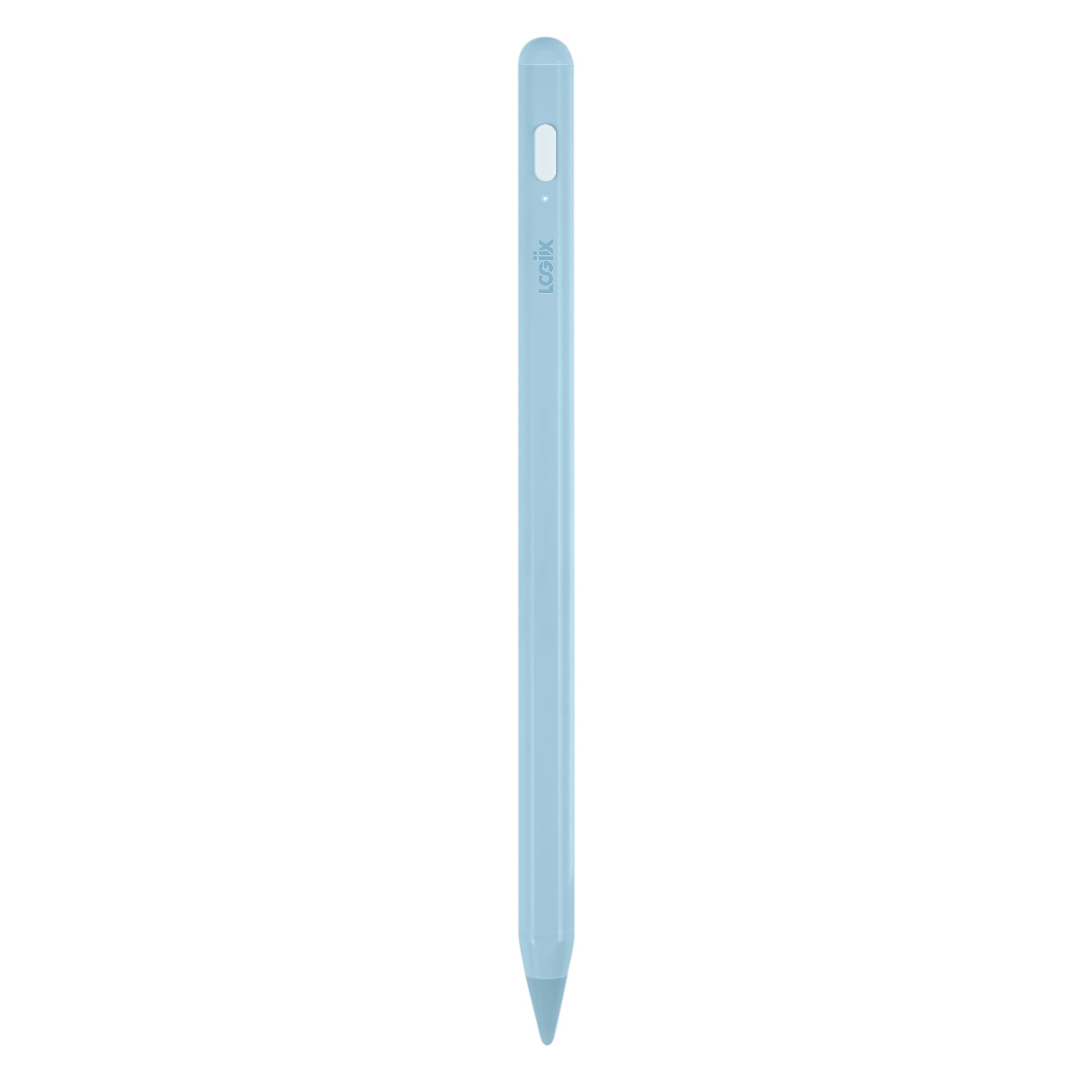
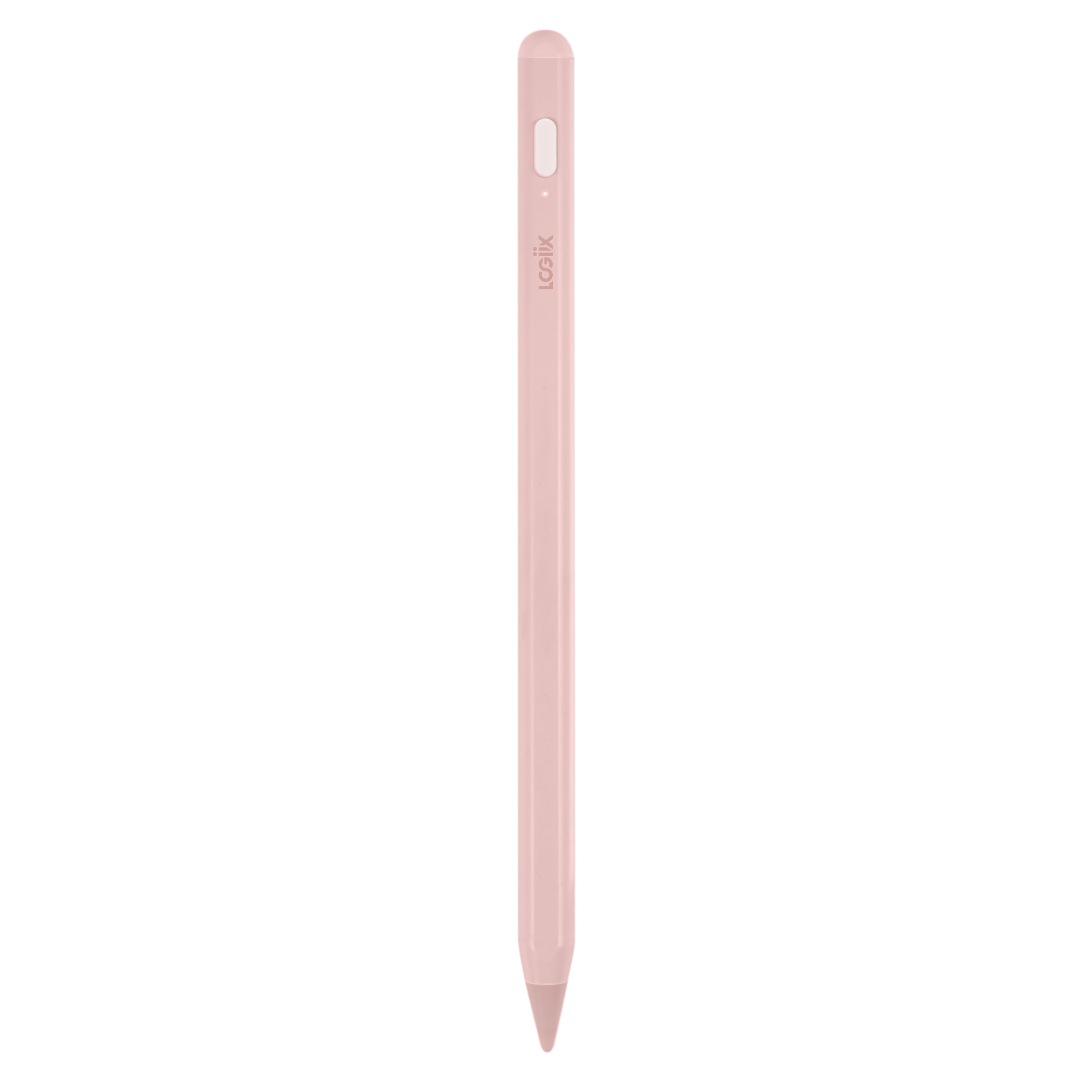
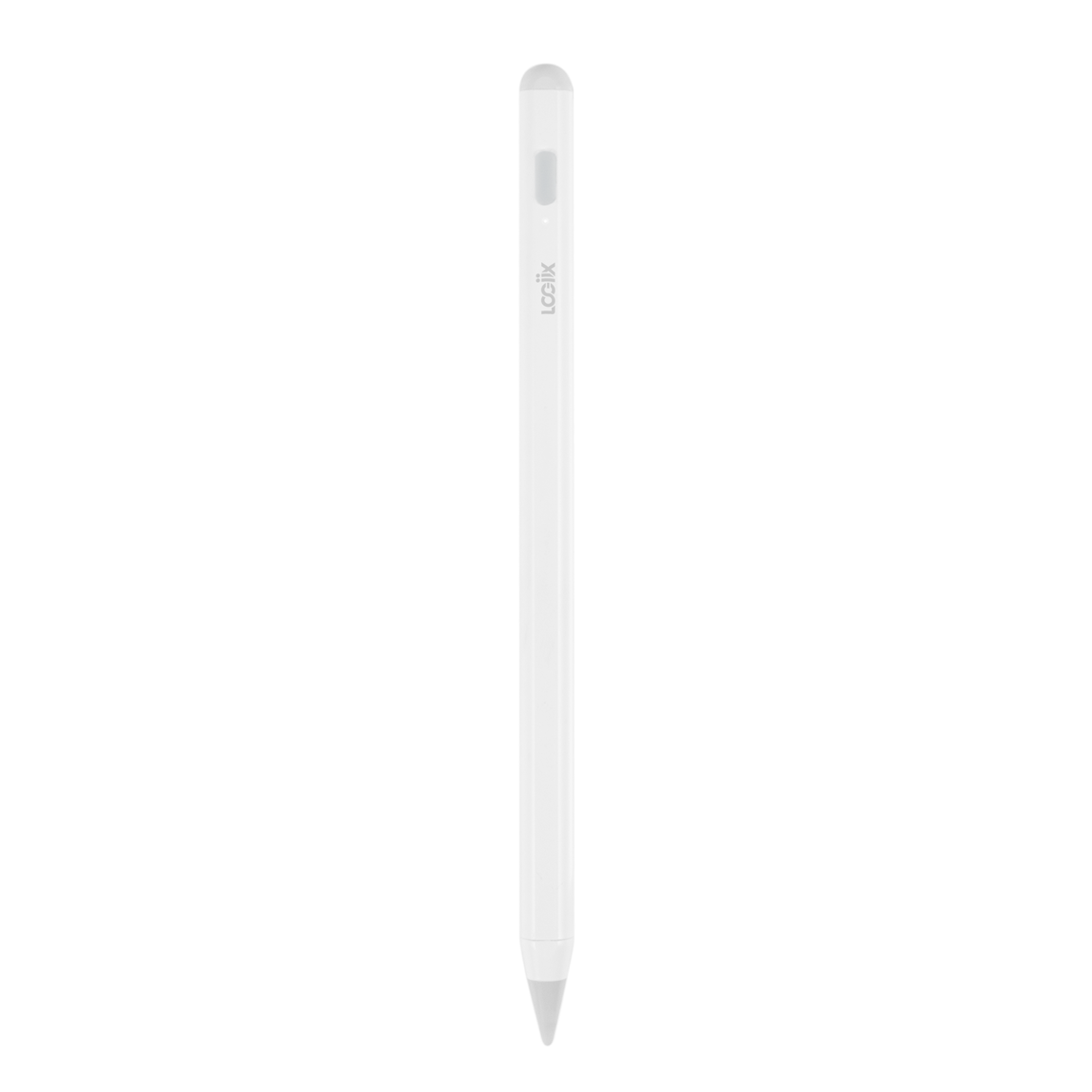
Precision Pencil
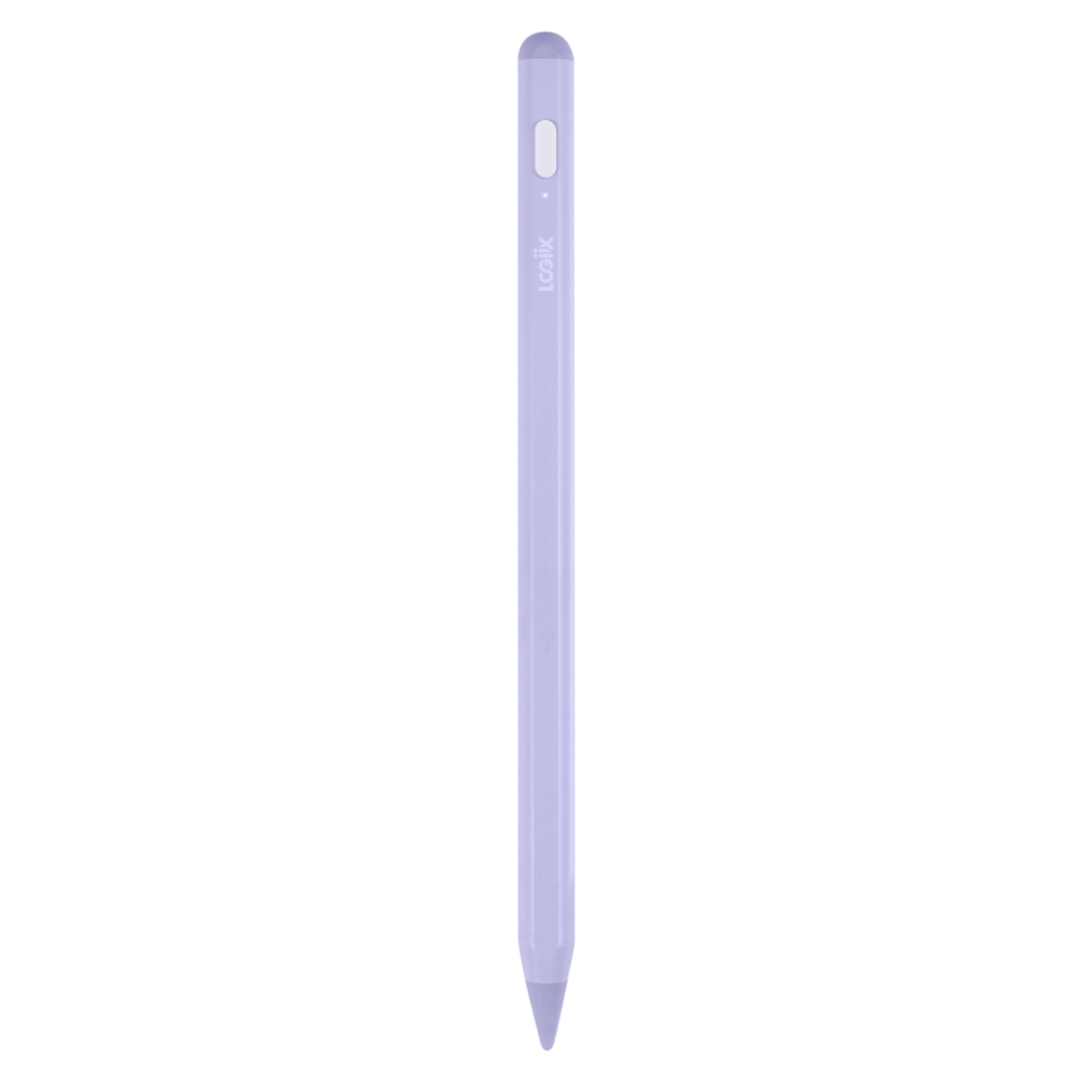
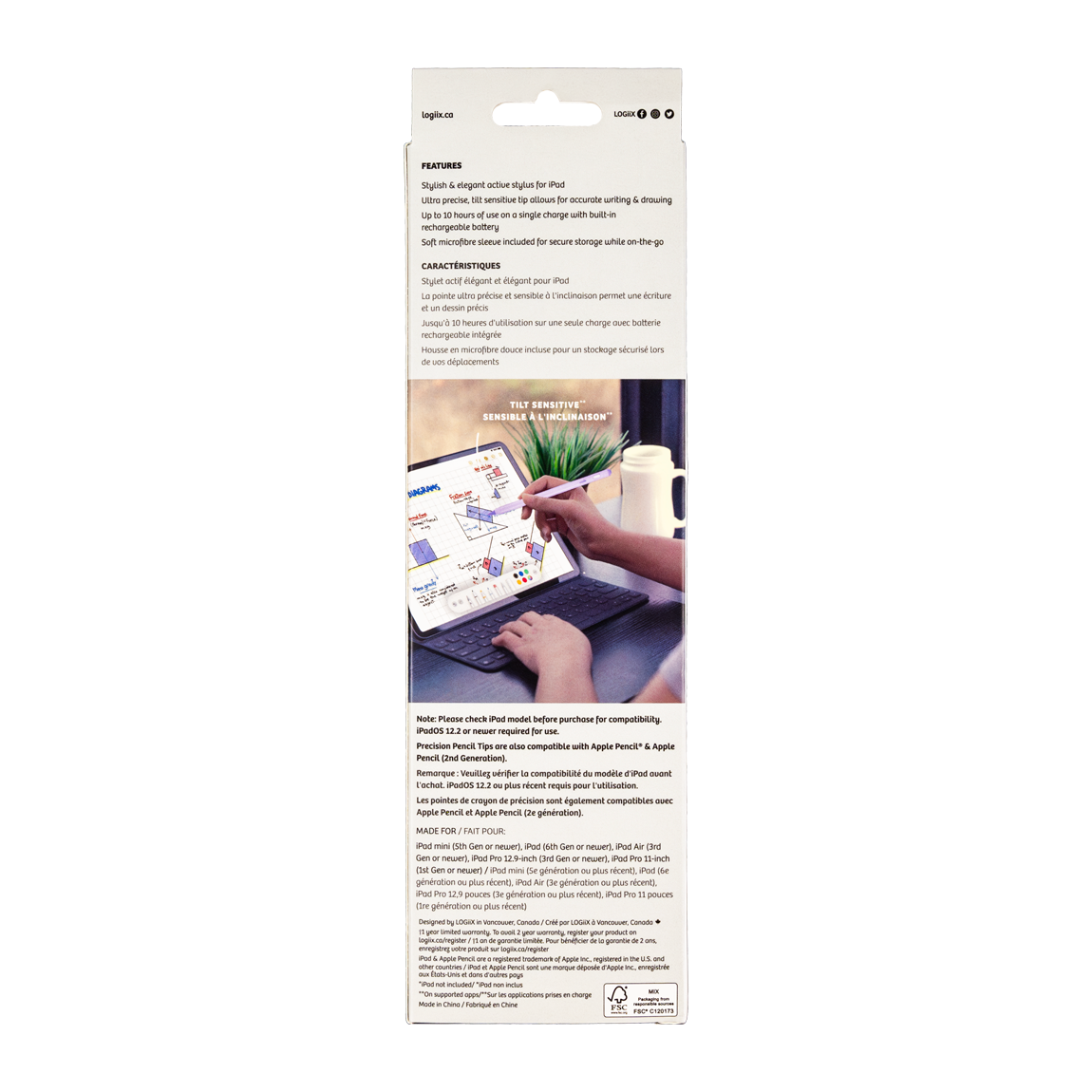
Features
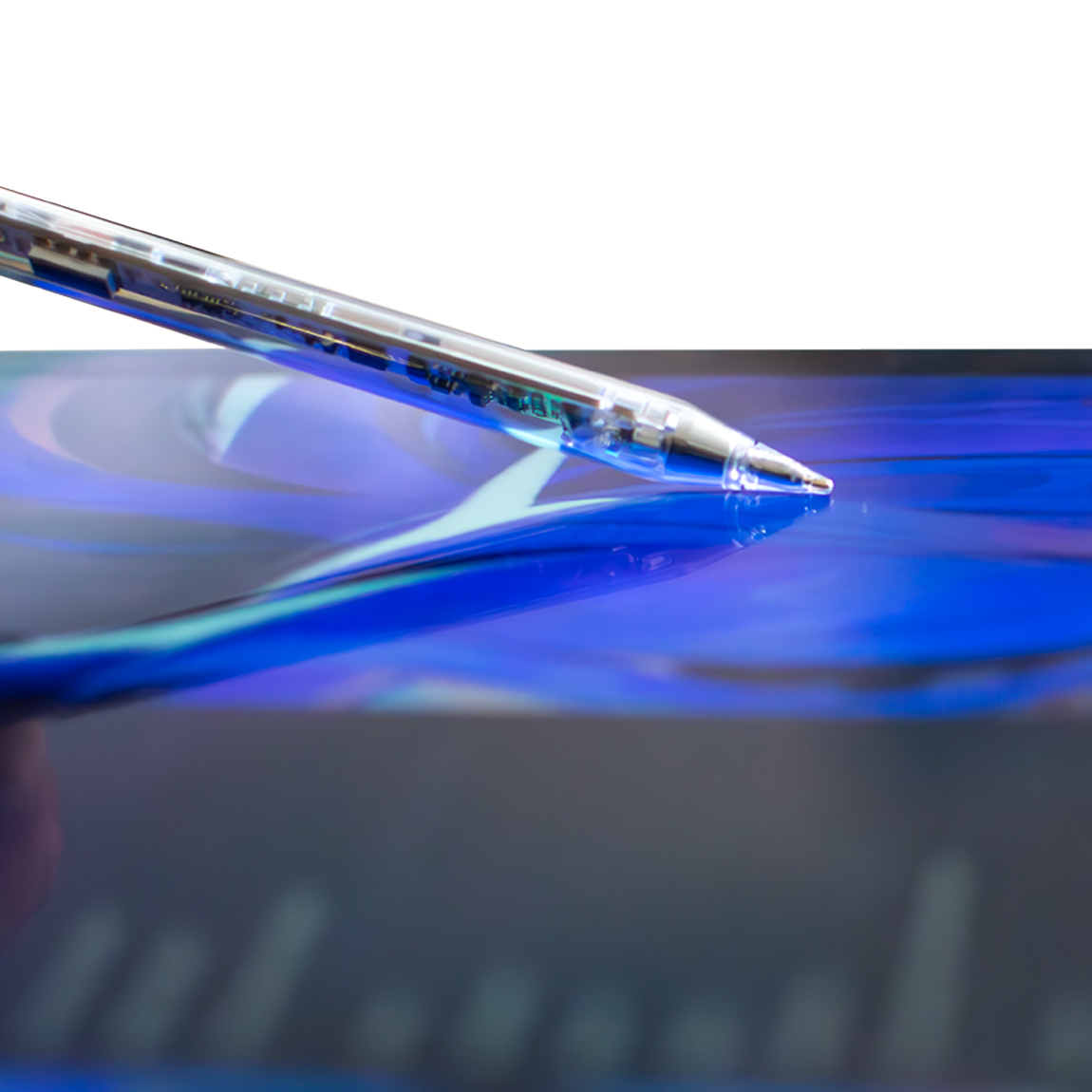
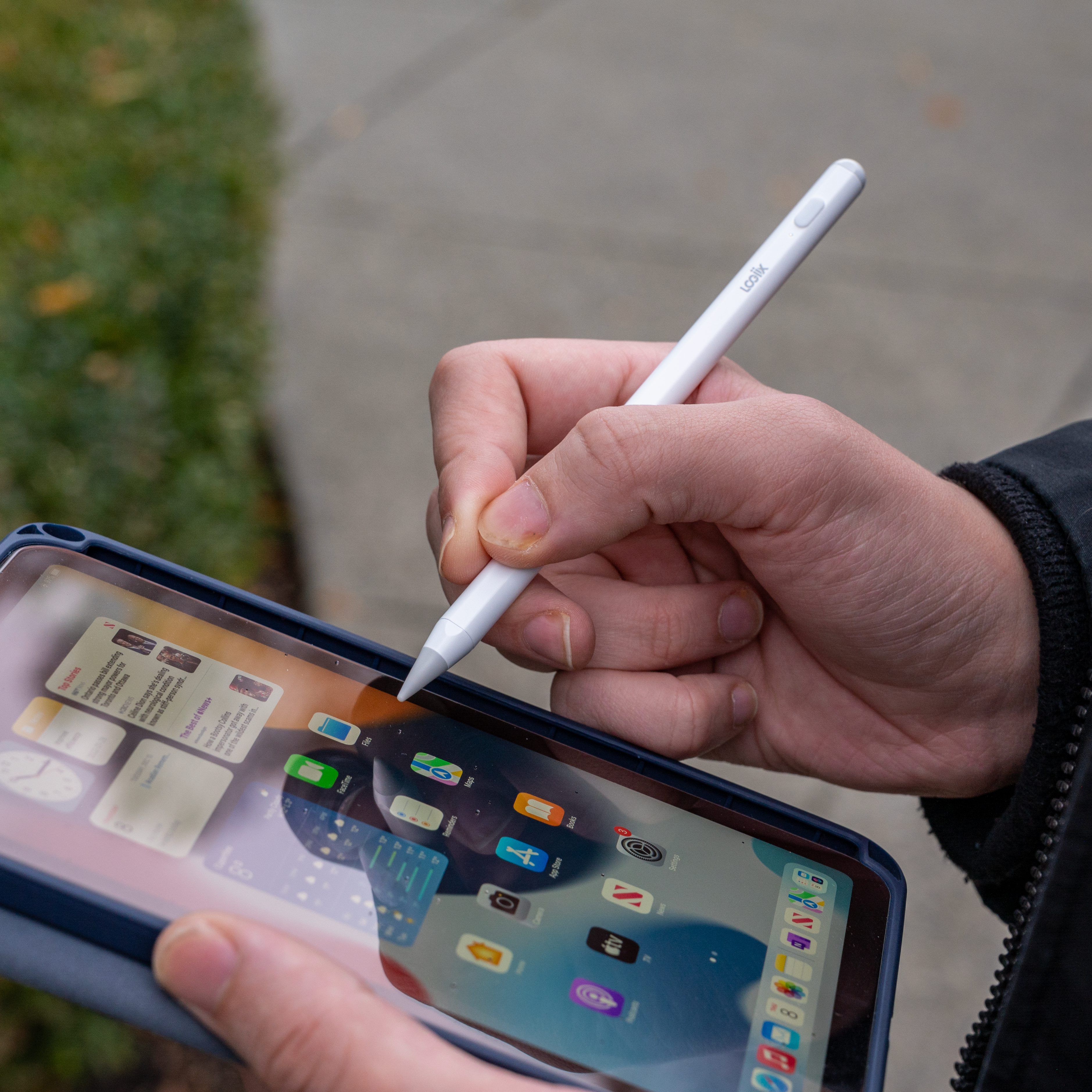
- Tilt sensitive active tip
- 10 hours of use on a single charge
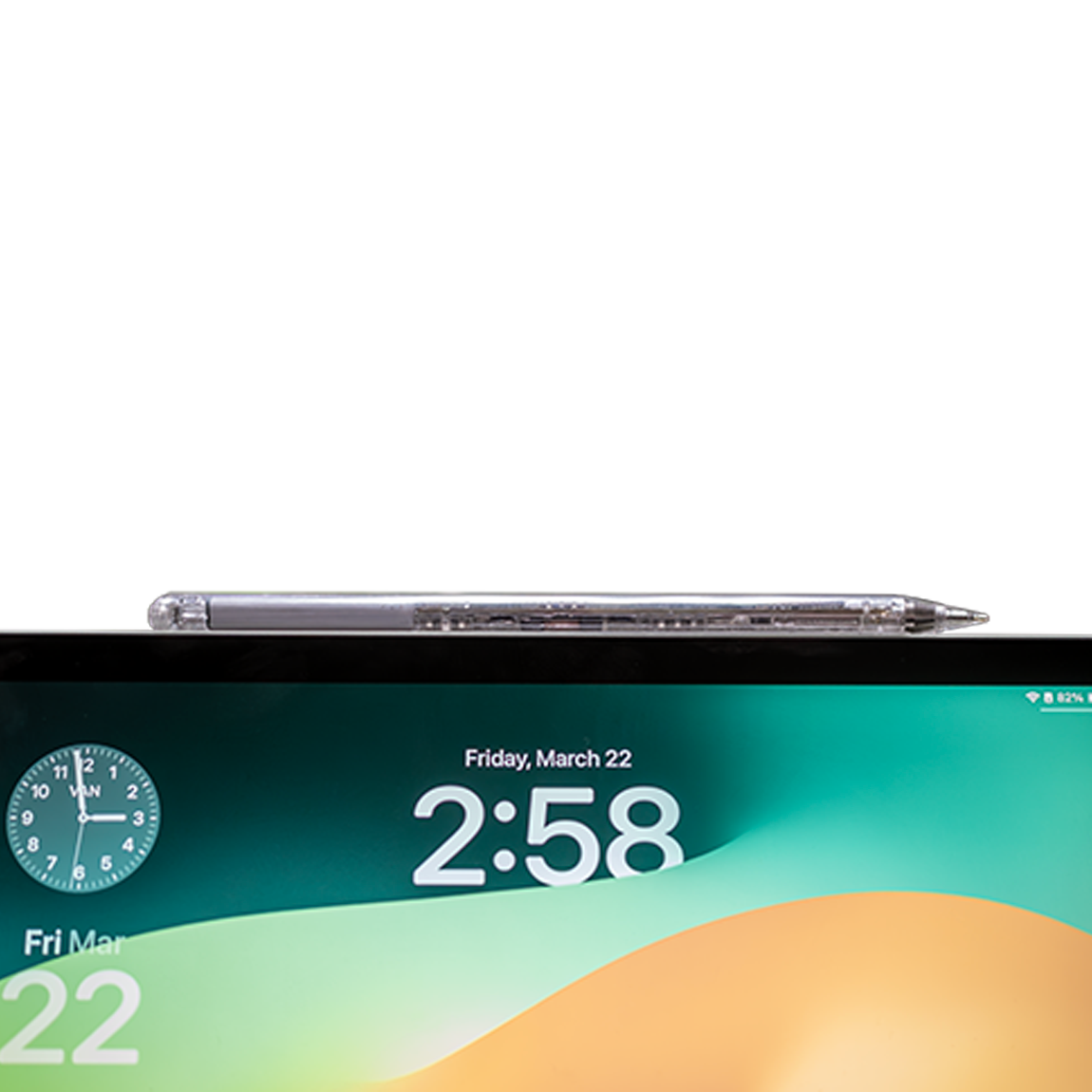
- Magnetized body snaps to the side of compatible iPad models
- USB-C charging
Compatible With
- iPad Pro 11-inch (1st Gen) (2018) — A1980, A2013, A1934, A1979
- iPad Pro 12.9-inch (3rd Gen) (2018) — A1876, A2014, A1895, A1983
- iPad Pro 11-inch (2nd Gen) (2020) — A2228, A2068, A2230, A2231
- iPad Pro 12.9-inch (4th Gen) (2020) — A2229, A2069, A2232, A2233
- iPad Pro 11-inch (3rd Gen) (2021) — A2301, A2459, A2460, A2377
- iPad Pro 12.9-inch (5th Gen) (2021) — A2379, A2461, A2462, A2378
- iPad Pro 11-inch (4th Gen) (2022) — A2759, A2762, A2435, A2761
- iPad Pro 12.9-inch (6th Gen) (2022) — A2436, A2766, A2764, A2437
- iPad (6th Gen) (2018) — A1893, A1954
- iPad (7th Gen) (2019) — A2197, A2198, A2200
- iPad (8th Gen) (2020) — A2270, A2428, A2429, A2430
- iPad (9th Gen) (2021) — A2602, A2604, A2603, A2605
- iPad (10th Gen) (2022) — A2696, A3162, A2757, A2777
- iPad Mini (5th Gen) (2019) — A2133, A2124, A2126, A2125
- iPad Mini (6th Gen) (2021) — A2567, A2568, A2569
- iPad Air (3rd Gen) (2019) — A2152, A2123, A2153, A2154
- iPad Air (4th Gen) (2020) — A2316, A2325, A2324, A2072
- iPad Air (5th Gen) (2022) — A2588, A2589, A2591
- iPad Air 11-inch (M2) (2024) — A2902, A2903, A2904
- iPad Air 13-inch (M2) (2024) — A2898, A2899, A2900
- iPad Air 11-inch (M4) (2026) — A3459, A3460, A3463
- iPad Air 13-inch (M4) (2026) — A3461, A3462, A3464
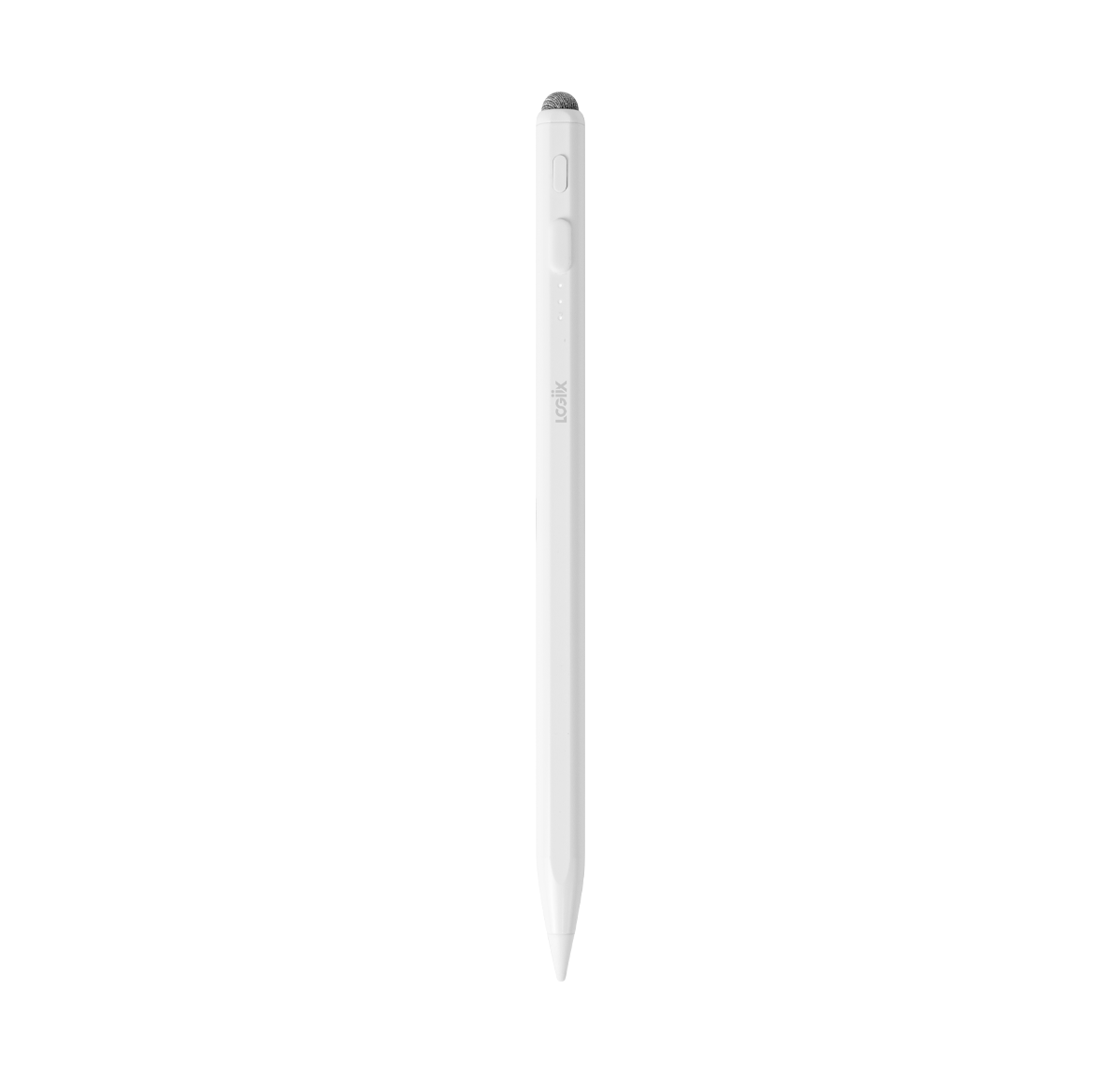
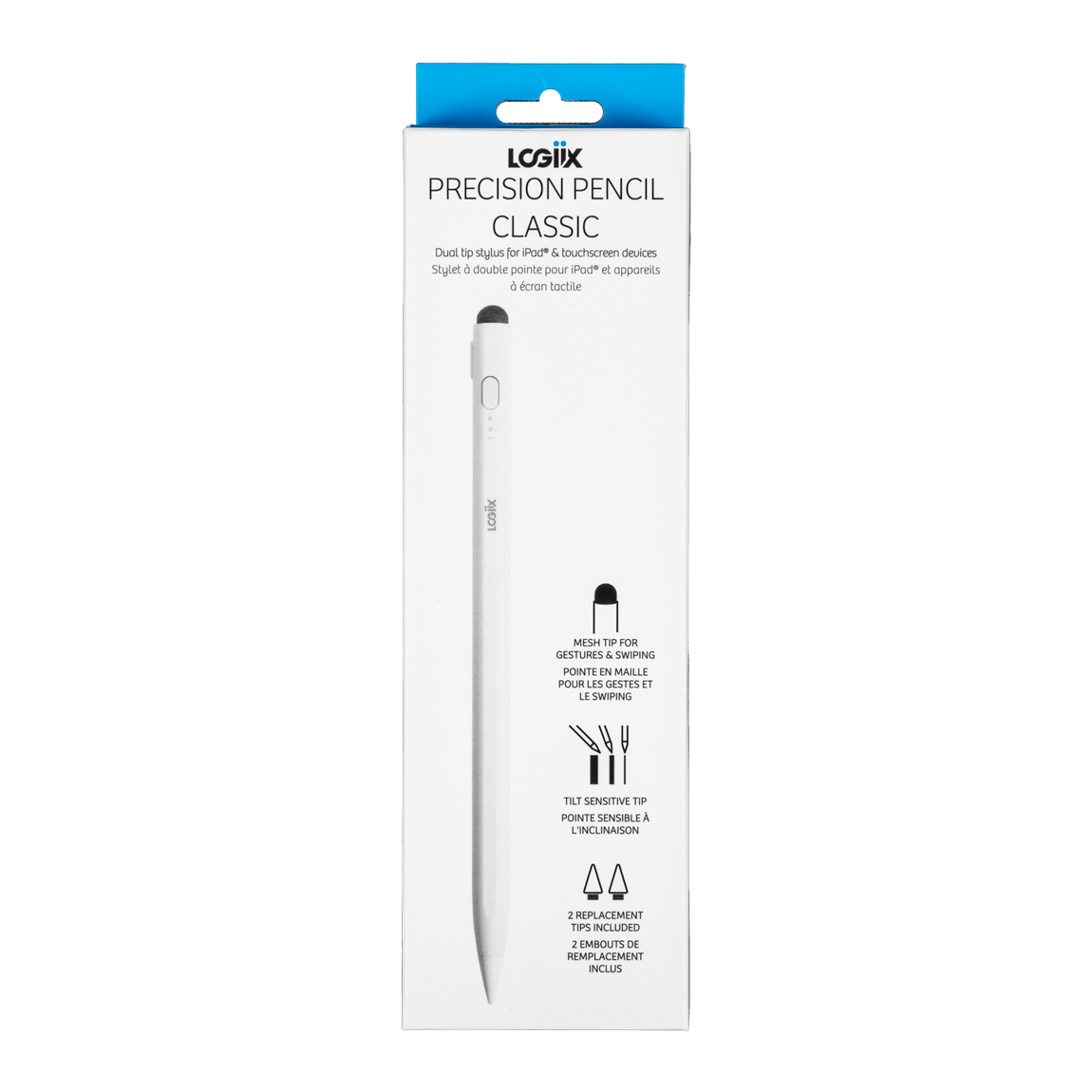
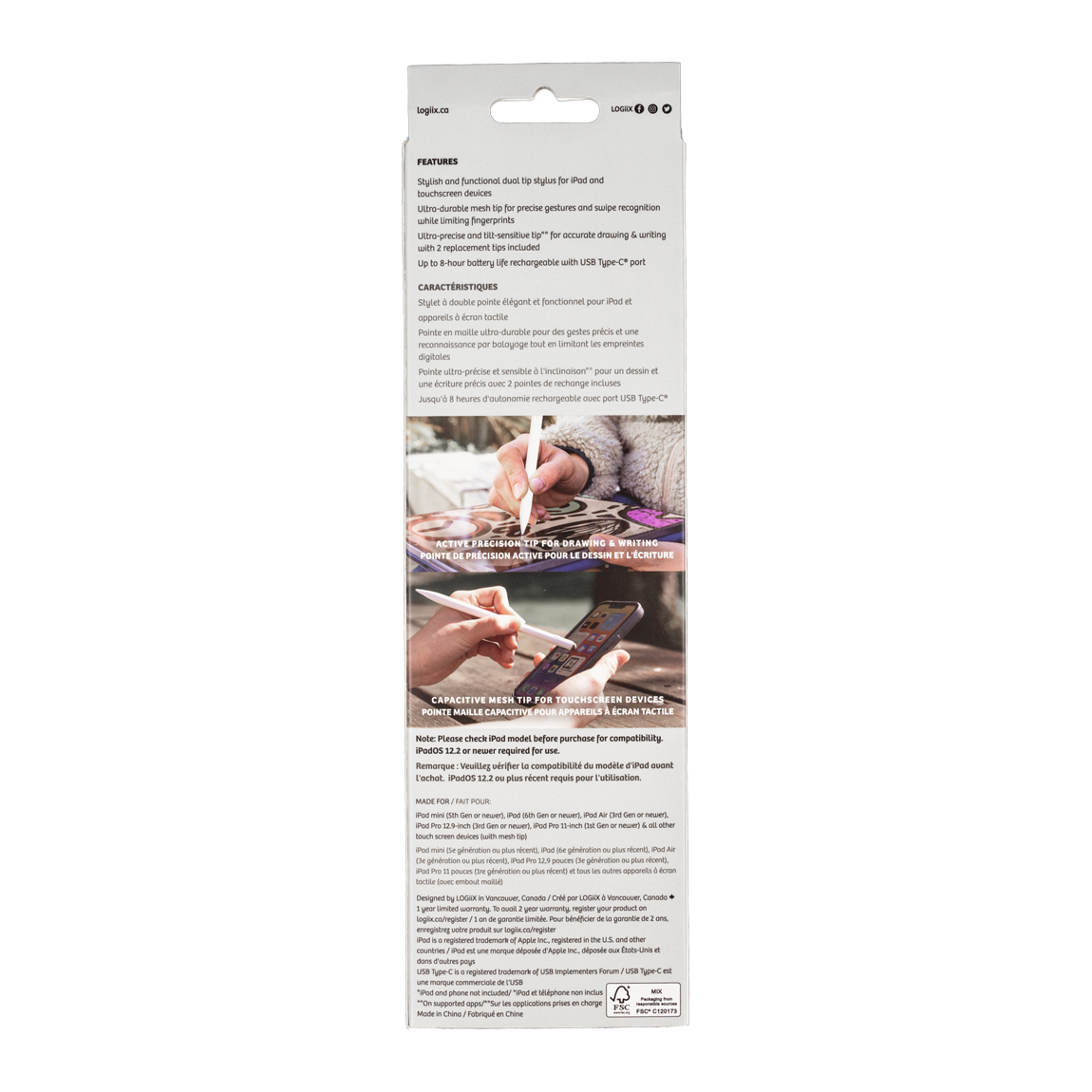
Precision Pencil Classic
Features
- Tilt sensitive active tip
- Mesh tip for all touch-screen devices
- 8 hours of use on a single charge
- Magnetized body snaps to the side of compatible iPad models
- USB-C charging
Compatible With
- iPad Mini (5th Gen) (2019) — A2133, A2124, A2126, A2125
- iPad Mini (6th Gen) (2021) — A2567, A2568, A2569
- iPad Mini (A17 Pro) (2024) — A2993, A2995, A2996
- iPad (6th Gen) (2018) — A1893, A1954
- iPad (7th Gen) (2019) — A2197, A2200, A2198
- iPad (8th Gen) (2020) — A2270, A2428, A2429, A2430
- iPad (9th Gen) (2021) — A2602, A2604, A2603, A2605
- iPad (10th Gen) (2022) — A2696, A2757, A2777, A3162
- iPad (A16) (2025) — A3354, A3355, A3356
- iPad Air (3rd Gen) (2019) — A2152, A2123, A2153, A2154
- iPad Air (4th Gen) (2020) — A2316, A2324, A2325, A2072
- iPad Air (5th Gen) (2022) — A2588, A2589, A2591
- iPad Air 11-inch (M2) (2024) — A2902, A2903, A2904
- iPad Air 11-inch (M3) (2025) — A3266, A3267, A3270
- iPad Air 11-inch (M4) (2026) — A3459, A3460, A3463
- iPad Air 13-inch (M2) (2024) — A2898, A2899, A2900
- iPad Air 13-inch (M3) (2025) — A3268, A3269, A3271
- iPad Air 13-inch (M4) (2026) — A3461, A3462, A3464
- iPad Pro 11-inch (1st Gen) (2018) — A1980, A2013, A1934, A1979
- iPad Pro 11-inch (2nd Gen) (2020) — A2228, A2068, A2230, A2231
- iPad Pro 11-inch (3rd Gen) (2021) — A2377, A2459, A2301, A2460
- iPad Pro 11-inch (4th Gen) (2022) — A2759, A2435, A2761, A2762
- iPad Pro 11-inch (M4) (2024) — A2836, A2837, A3006
- iPad Pro 11-inch (M5) (2025) — A3357, A3358, A3359
- iPad Pro 12.9-inch (3rd Gen) (2018) — A1876, A2014, A1895, A1983
- iPad Pro 12.9-inch (4th Gen) (2020) — A2229, A2069, A2232, A2233
- iPad Pro 12.9-inch (5th Gen) (2021) — A2378, A2461, A2379, A2462
- iPad Pro 12.9-inch (6th Gen) (2022) — A2436, A2764, A2437, A2766
- iPad Pro 13-inch (M4) (2024) — A2925, A2926, A3007
- iPad Pro 13-inch (M5) (2025) — A3360, A3361, A3362
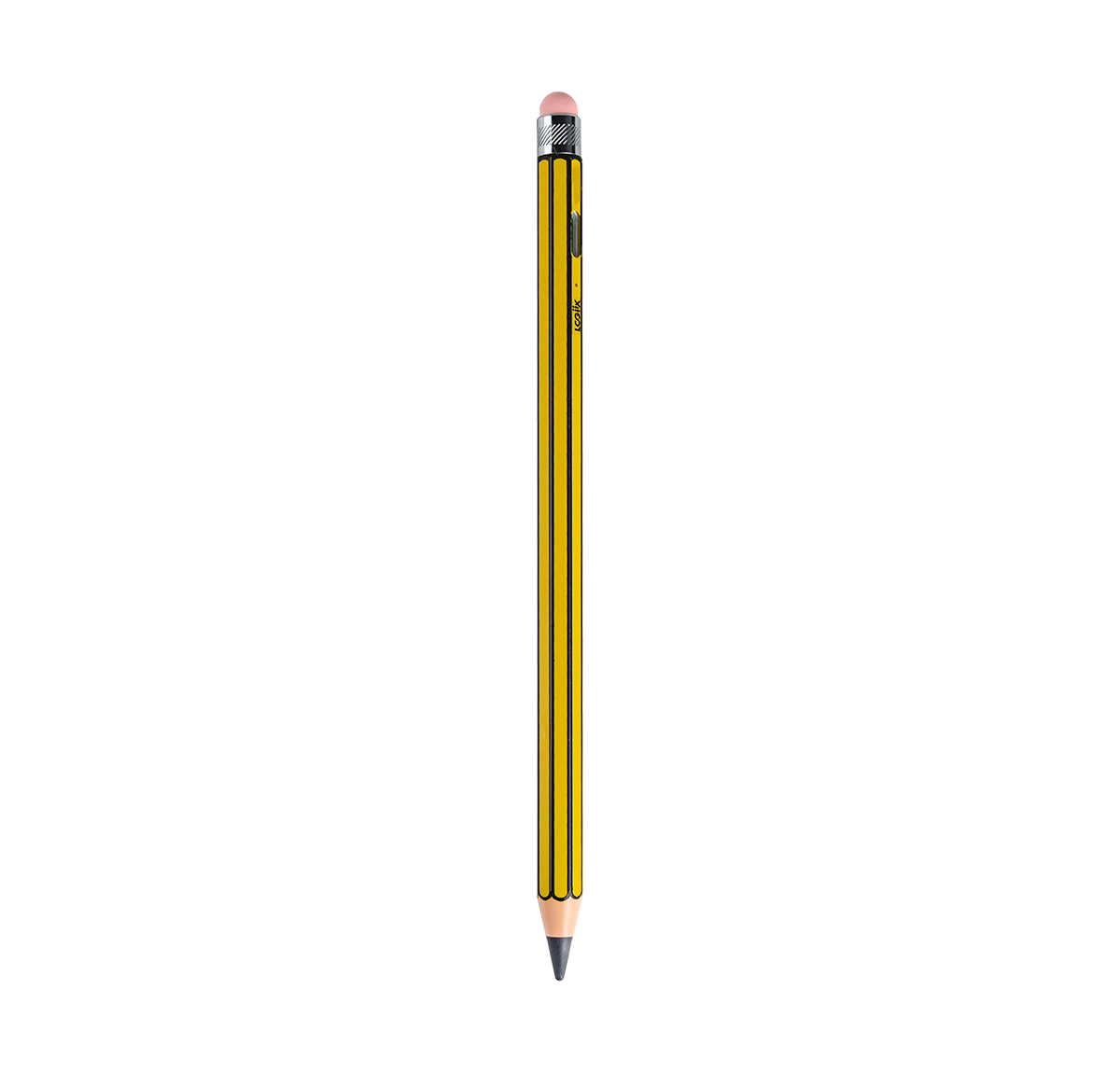
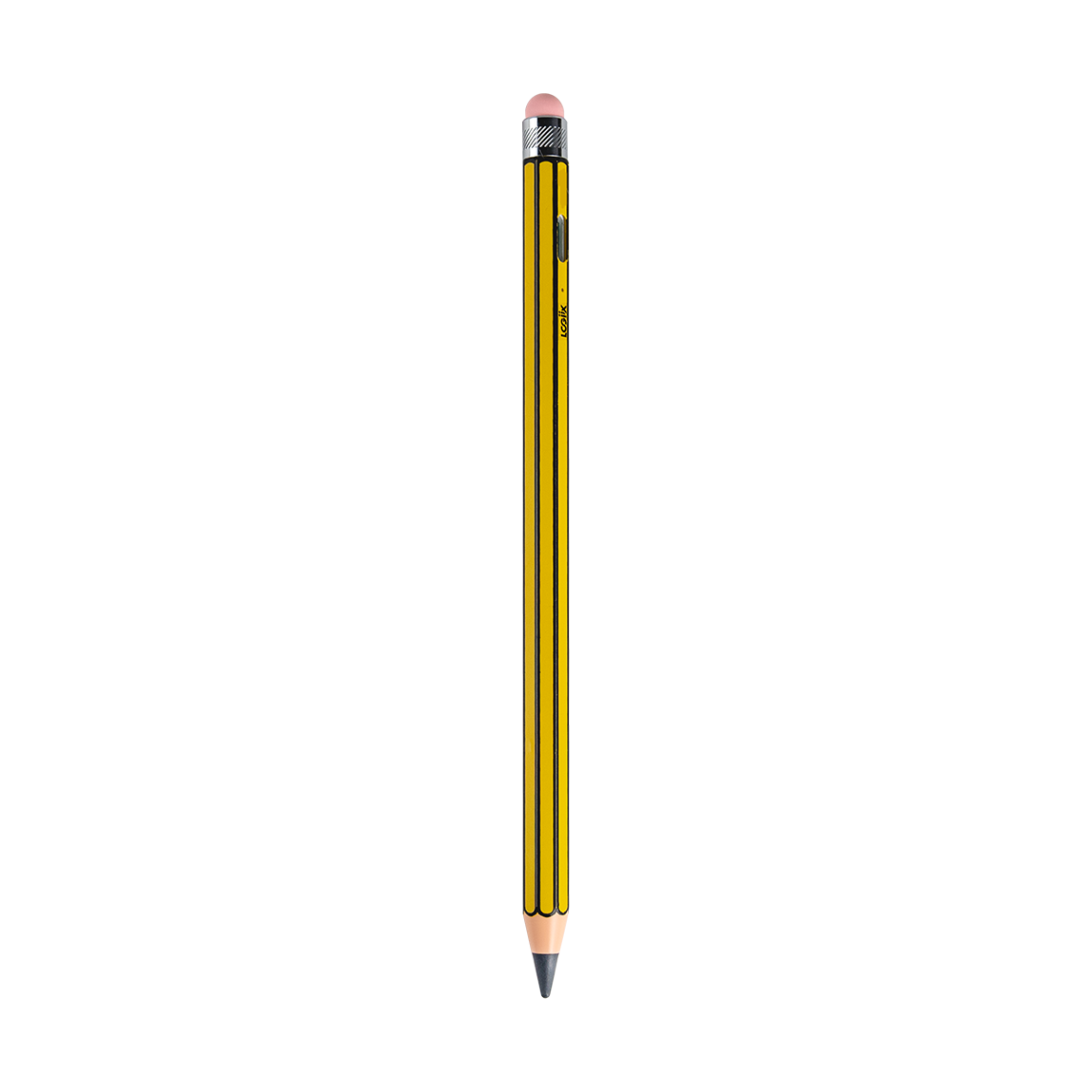
Precision Pencil Note
Features
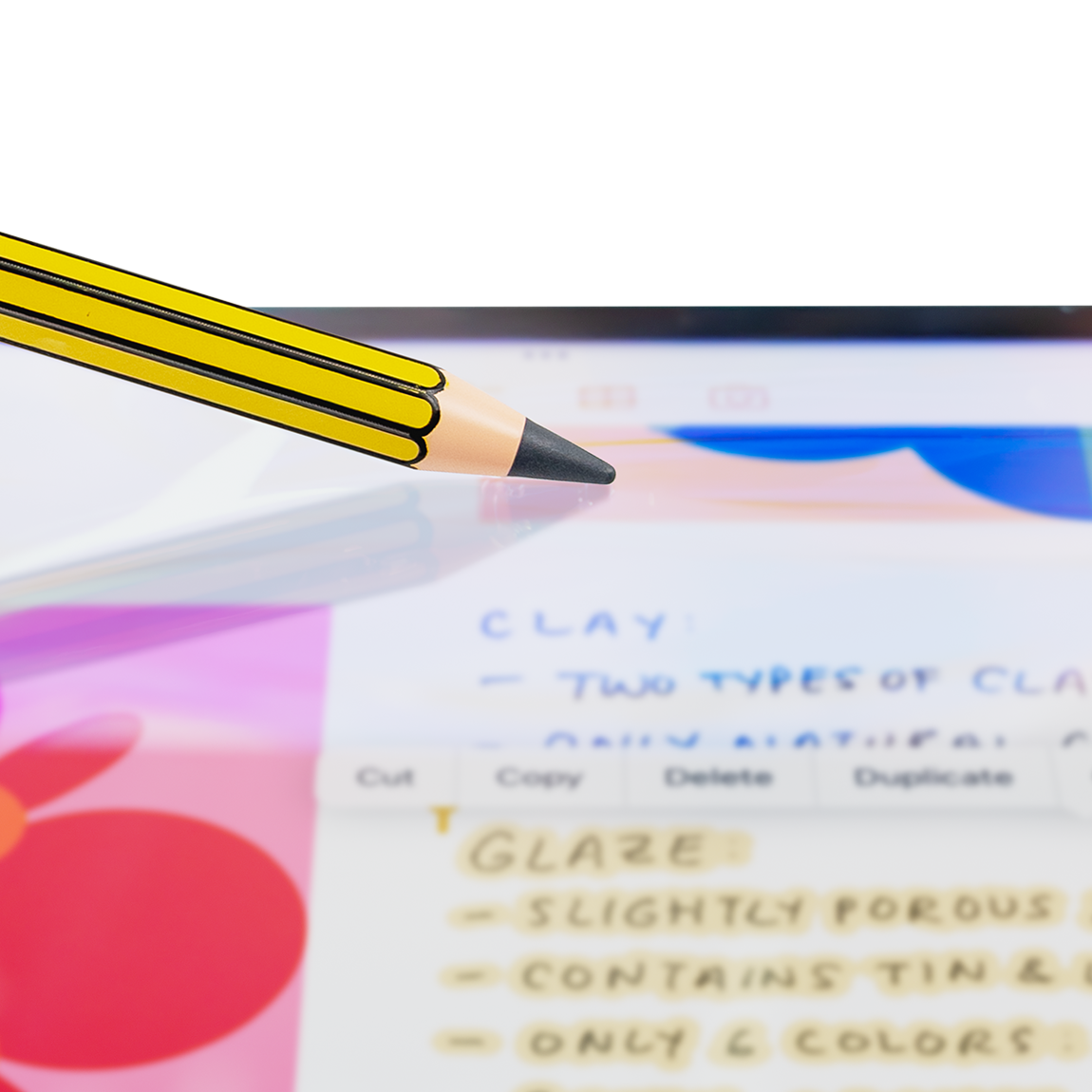
- Classic "pencil-like" design with active tip
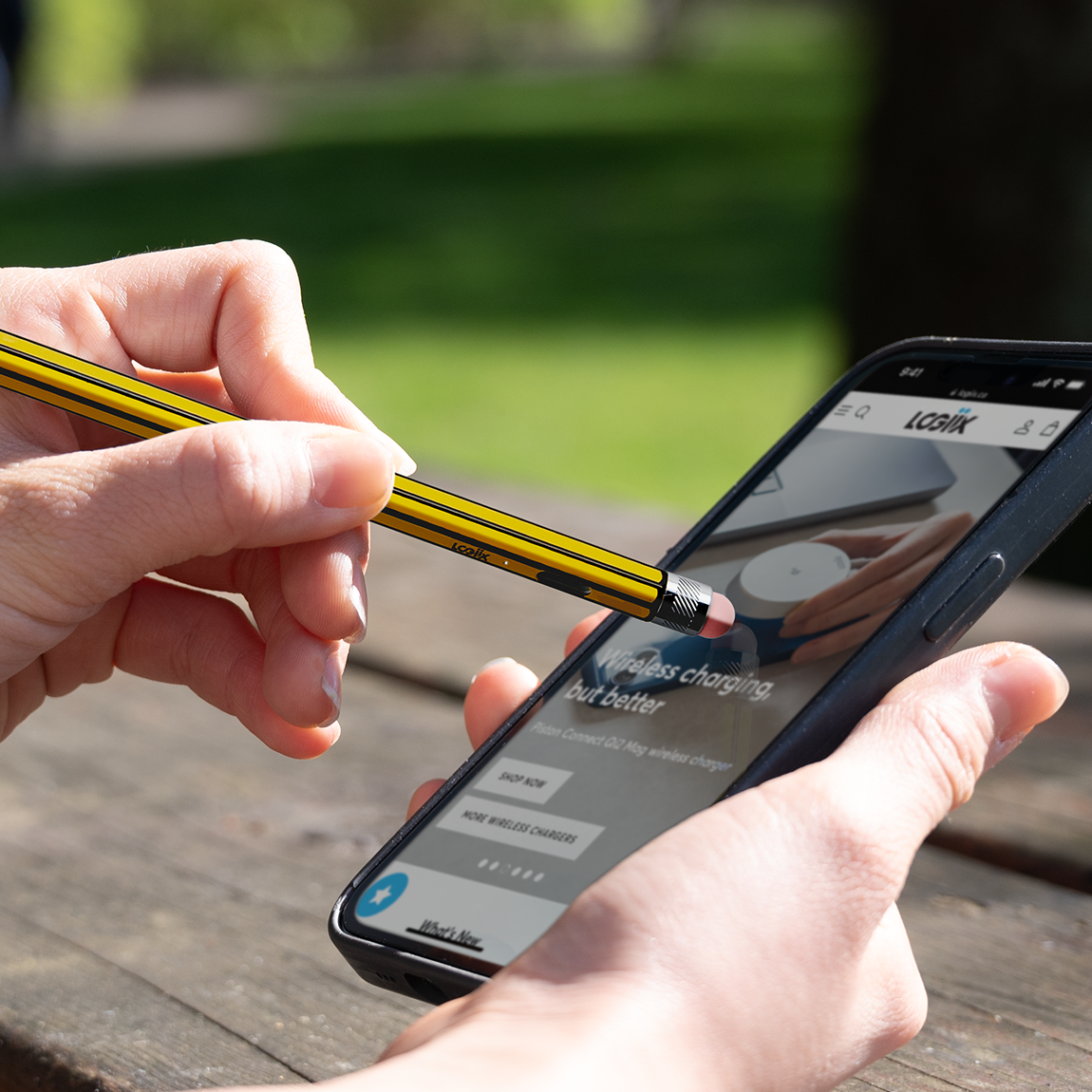
- Rubber "eraser" tip compatible with all touch screen devices
- Tilt sensitive active tip
- 10 hours of use on a single charge
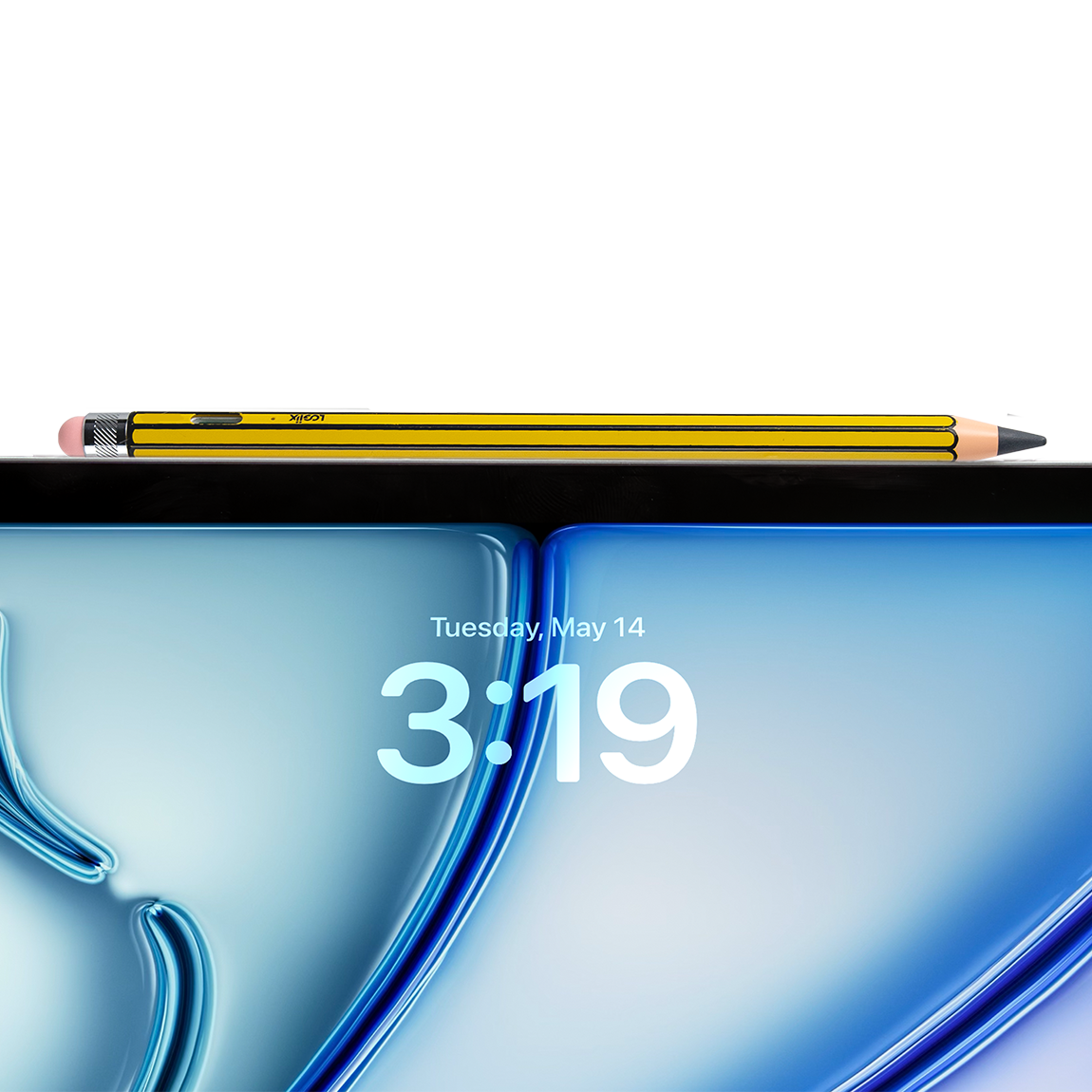
- Magnetized body snaps to the side of compatible iPad models
- USB-C charging
Compatible With
- iPad Mini (5th Gen) (2019) — A2133, A2124, A2126, A2125
- iPad Mini (6th Gen) (2021) — A2567, A2568, A2569
- iPad Mini (A17 Pro) (2024) — A2993, A2995, A2996
- iPad (6th Gen) (2018) — A1893, A1954
- iPad (7th Gen) (2019) — A2197, A2200, A2198
- iPad (8th Gen) (2020) — A2270, A2428, A2429, A2430
- iPad (9th Gen) (2021) — A2602, A2604, A2603, A2605
- iPad (10th Gen) (2022) — A2696, A2757, A2777, A3162
- iPad (A16) (2025) — A3354, A3355, A3356
- iPad Air (3rd Gen) (2019) — A2152, A2123, A2153, A2154
- iPad Air (4th Gen) (2020) — A2316, A2324, A2325, A2072
- iPad Air (5th Gen) (2022) — A2588, A2589, A2591
- iPad Air 11-inch (M2) (2024) — A2902, A2903, A2904
- iPad Air 11-inch (M3) (2025) — A3266, A3267, A3270
- iPad Air 11-inch (M4) (2026) — A3459, A3460, A3463
- iPad Air 13-inch (M2) (2024) — A2898, A2899, A2900
- iPad Air 13-inch (M3) (2025) — A3268, A3269, A3271
- iPad Air 13-inch (M4) (2026) — A3461, A3462, A3464
- iPad Pro 11-inch (1st Gen) (2018) — A1980, A2013, A1934, A1979
- iPad Pro 11-inch (2nd Gen) (2020) — A2228, A2068, A2230, A2231
- iPad Pro 11-inch (3rd Gen) (2021) — A2377, A2459, A2301, A2460
- iPad Pro 11-inch (4th Gen) (2022) — A2759, A2435, A2761, A2762
- iPad Pro 11-inch (M4) (2024) — A2836, A2837, A3006
- iPad Pro 11-inch (M5) (2025) — A3357, A3358, A3359
- iPad Pro 12.9-inch (3rd Gen) (2018) — A1876, A2014, A1895, A1983
- iPad Pro 12.9-inch (4th Gen) (2020) — A2229, A2069, A2232, A2233
- iPad Pro 12.9-inch (5th Gen) (2021) — A2378, A2461, A2379, A2462
- iPad Pro 12.9-inch (6th Gen) (2022) — A2436, A2764, A2437, A2766
- iPad Pro 13-inch (M4) (2024) — A2925, A2926, A3007
- iPad Pro 13-inch (M5) (2025) — A3360, A3361, A3362
Not sure which iPad you have?
If you’re using iPadOS or iOS 12.2 or later, go to Settings > General > About > Model Name.

If you’re using an earlier version of iOS, learn how to identify your iPad model.